
Understanding Plans and Credits
How work credits are consumed (1 per task) and how to choose the right plan.
1. What Is a Work Credit?
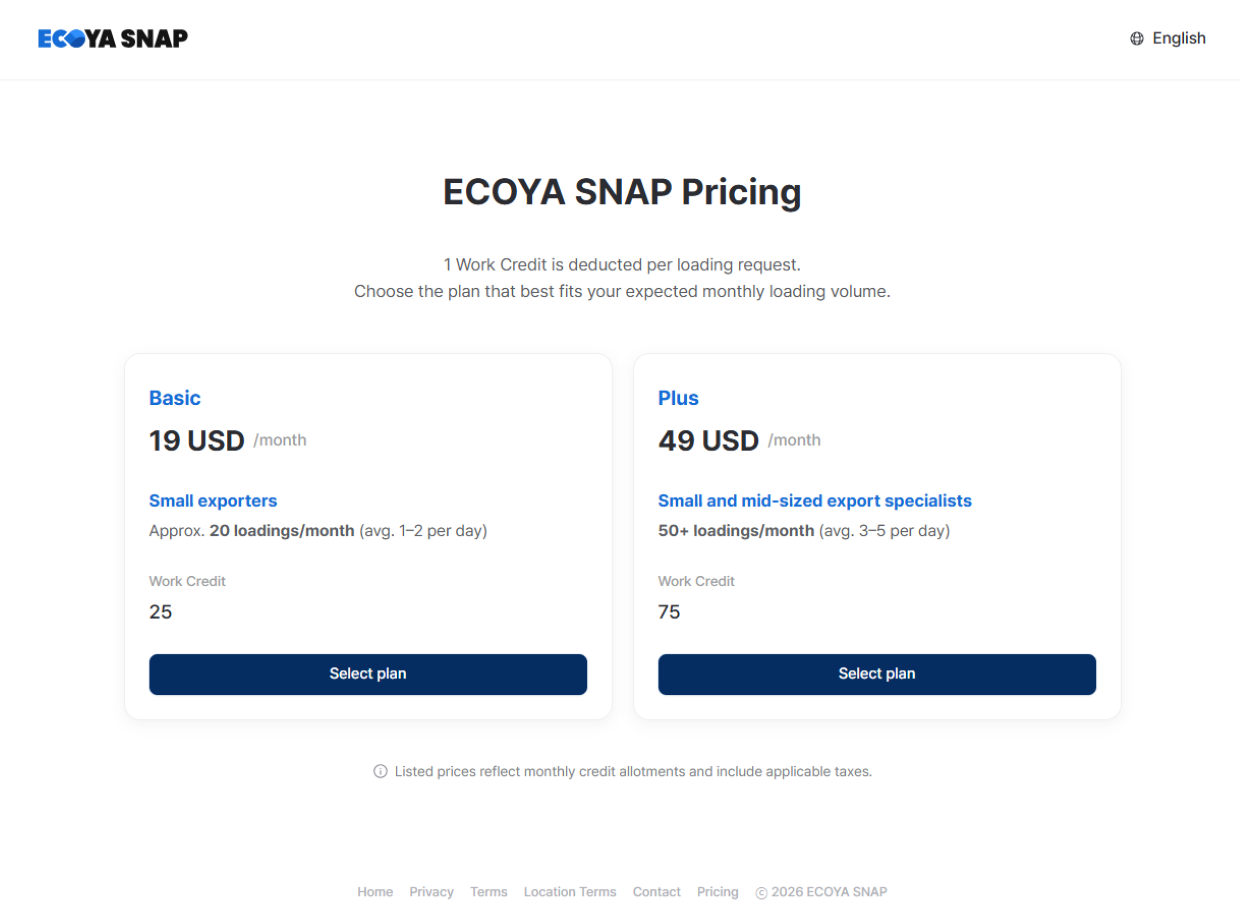
One Work Credit is automatically deducted each time you request a task. Credits are consumed at the moment the task is submitted. Credits are not refunded if a task is cancelled.
2. Choosing the Right Plan
Select a plan based on your estimated monthly task volume. Each plan includes a different number of credits, so determine your average monthly task count before deciding. If you handle a large volume of tasks, a plan with more credits will be more cost-effective.
3. When Credits Run Out
If you have no credits remaining, you will not be able to submit tasks.
- Owner: You can purchase additional credits or upgrade to a higher plan from the Plan Management screen.
- Member: Members do not have plan management permissions. Ask your workspace owner to top up credits.
4. Auto-Billing Limit
In workspace settings, you can set a maximum monthly auto-billing count per member. This helps prevent unexpected credit consumption.

5. Billing and Subscription Management
Billing and subscriptions are handled through Paddle, an external payment platform.
- Manage subscriptions and update payment methods via the payment management page (Paddle).
- If a payment fails, new credits will not be added during a grace period of approximately 30 days; existing service continues.
- Updating your card information during the grace period triggers a retry, and credits are issued upon success.
- If payment is not resolved within the grace period, the subscription is automatically cancelled.